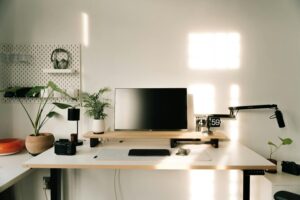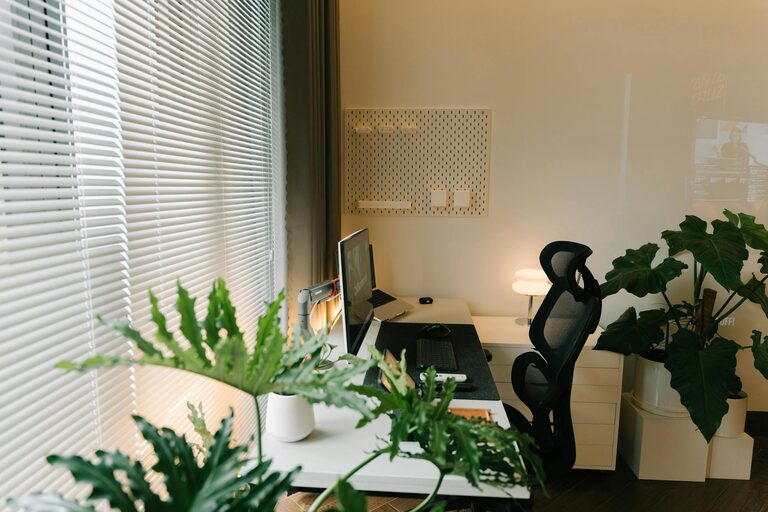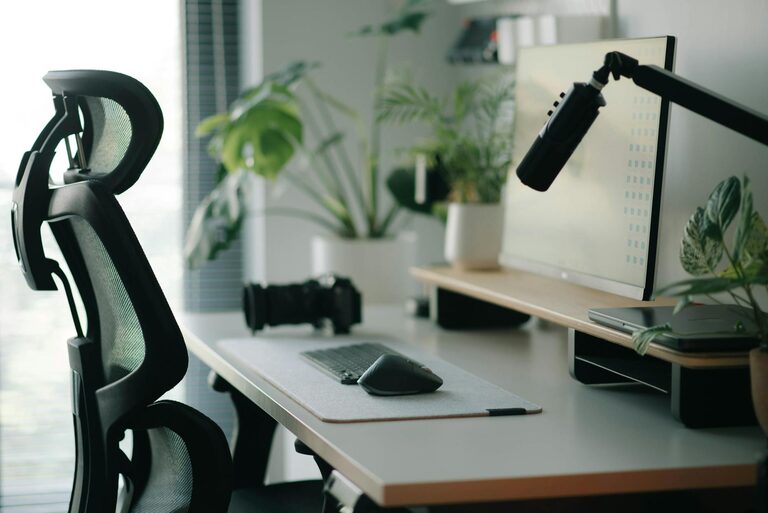
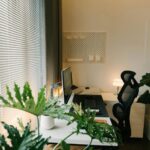

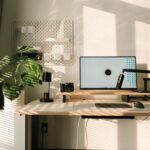
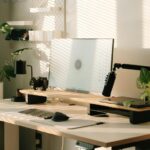



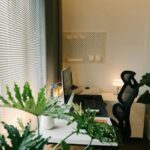
Creating a home office that is both welcoming and productive is essential for anyone working remotely or seeking a dedicated space to focus. A well-designed workspace can improve concentration, reduce stress, and enhance overall work satisfaction. Here are some helpful tips to turn your home office into a comfortable, efficient haven.
Choose the Right Location
Prioritise Natural Light
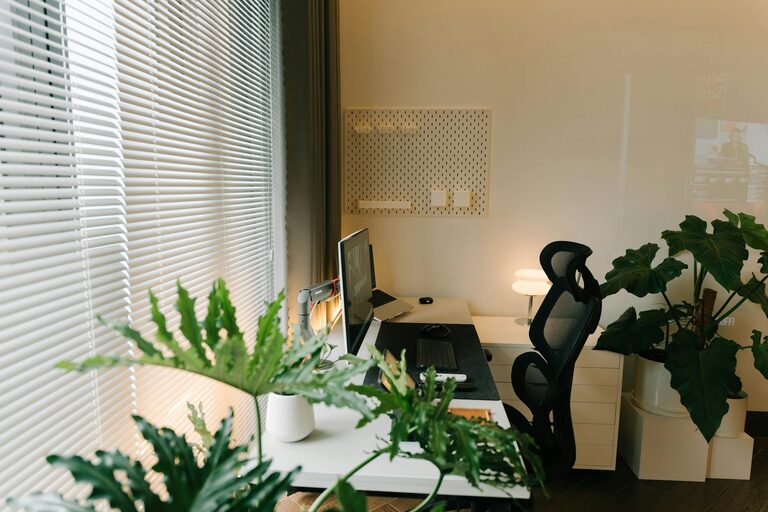
Natural light is a key factor in maintaining energy and a positive mood throughout the workday. Select a spot near a window to benefit from daylight, which can help reduce eye strain and improve focus.
Consider Noise Levels
Choose a quiet area away from household activity, noisy streets, or distractions. If this isn’t possible, noise-cancelling headphones or soft background music may help create a peaceful atmosphere.
Invest in Comfortable and Functional Furniture
Select an Ergonomic Chair
Since you may spend hours sitting, investing in an ergonomic chair that supports your posture is crucial. Look for adjustable features such as seat height, backrest angle, and lumbar support.
Use a Suitable Desk
Your desk should have enough space for your computer, paperwork, and other essentials. Consider a height-adjustable desk if you want to alternate between sitting and standing through the day.
Organise Efficiently
Declutter Your Space
A clutter-free workspace promotes clear thinking. Keep only necessary items on your desk and store others away in drawers or shelves.
Label Storage Solutions
Using labelled folders, boxes, or trays can make it easier to find documents and supplies quickly, saving time and reducing frustration.
Personalise Your Workspace
Add Plants
Indoor plants not only improve air quality but also add a touch of nature that can boost creativity and reduce stress.
Display Meaningful Items
Photos, art, or inspirational quotes can make your office feel more personal and inviting without overcrowding the space.
Optimise Lighting
Use Layered Lighting
Besides natural light, equip your office with a combination of ambient, task, and accent lighting. A desk lamp with adjustable brightness can reduce eye strain during late hours.
Minimise Glare
Position computer screens to avoid glare from windows or overhead lights, which can cause discomfort and reduce productivity.
Maintain Good Air Quality and Temperature
Ventilation is Key
Ensure regular fresh air circulation to keep the environment comfortable and reduce fatigue.
Control Temperature
Use fans, heaters, or air conditioning to maintain a temperature that suits you, typically between 18°C and 22°C.
Set Boundaries and Routines
Designate Work Hours
Having clear start and finish times helps separate work life from home life and maintains focus during working hours.
Inform Household Members
Communicate your work schedule to family or housemates to minimise interruptions.
Utilise Technology Effectively
Reliable Internet Connection
A stable internet connection is fundamental for remote working, especially if your role involves video calls or large file transfers.
Organise Digital Files
Keep your computer desktop and folders orderly. Regular backups can prevent data loss and reduce stress.
Take Regular Breaks
Follow the 20-20-20 Rule
Every 20 minutes, look at something 20 feet away for at least 20 seconds to reduce eye strain.
Move Around
Stand up, stretch, or take a short walk to maintain circulation and mental clarity.
Conclusion
Creating a welcoming and productive home office environment combines thoughtful design, comfort, organisation, and personal touches. By following these tips, you can develop a space that not only supports your work but also makes you feel comfortable and motivated each day. Remember, your home office should work for you—adapt these suggestions to suit your preferences and needs.